Welcome, and congratulations on making the decision to work with NorthStar AI
NorthStar AI is a hyperscaler data-center consultant that can:
- Listen to your attitude to AI and data centers
- Provide accurate technical advice on data center design
- Offer informed guidance on any local social issues
- Equip you to work with facts, to oppose and support any issue.
Next steps:
1) Configure your Client Profile
2) Create any Features that are unique to you.
3) Post any Feature notes relevant to your Feature
4) ChatAiR about your interests with NorthStar AI
You should have have received an e-Mail from Cis4Mission.org confirming that we have created an account for you. Your user name is your e-Mail address. (If you have not received this e-Mail please email : [email protected] : asking that we create an account for you.)
1) Sign in to your account
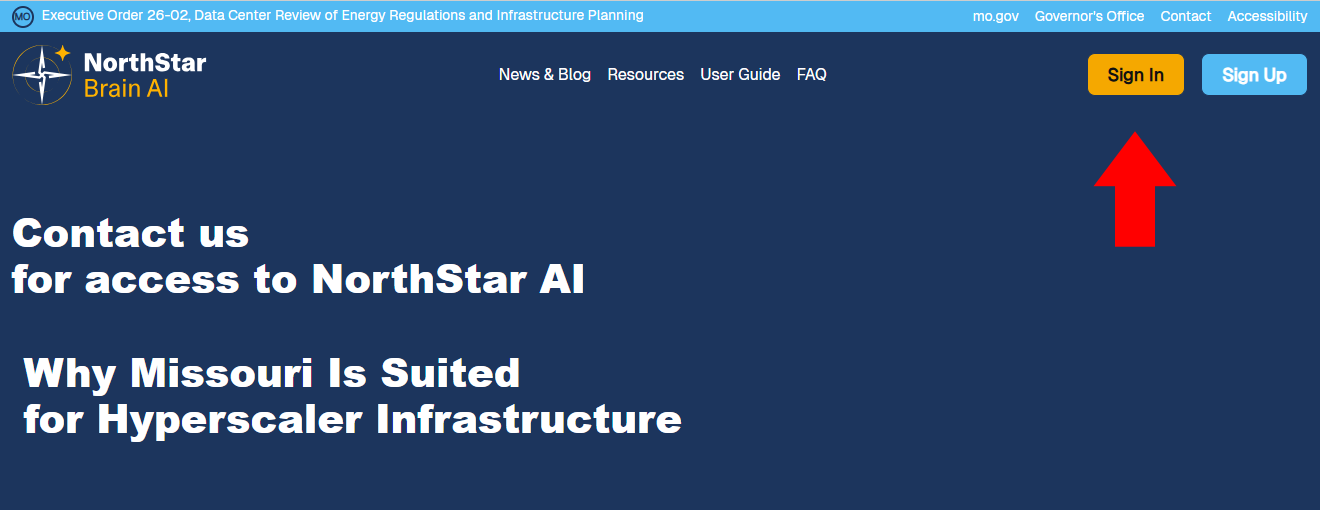
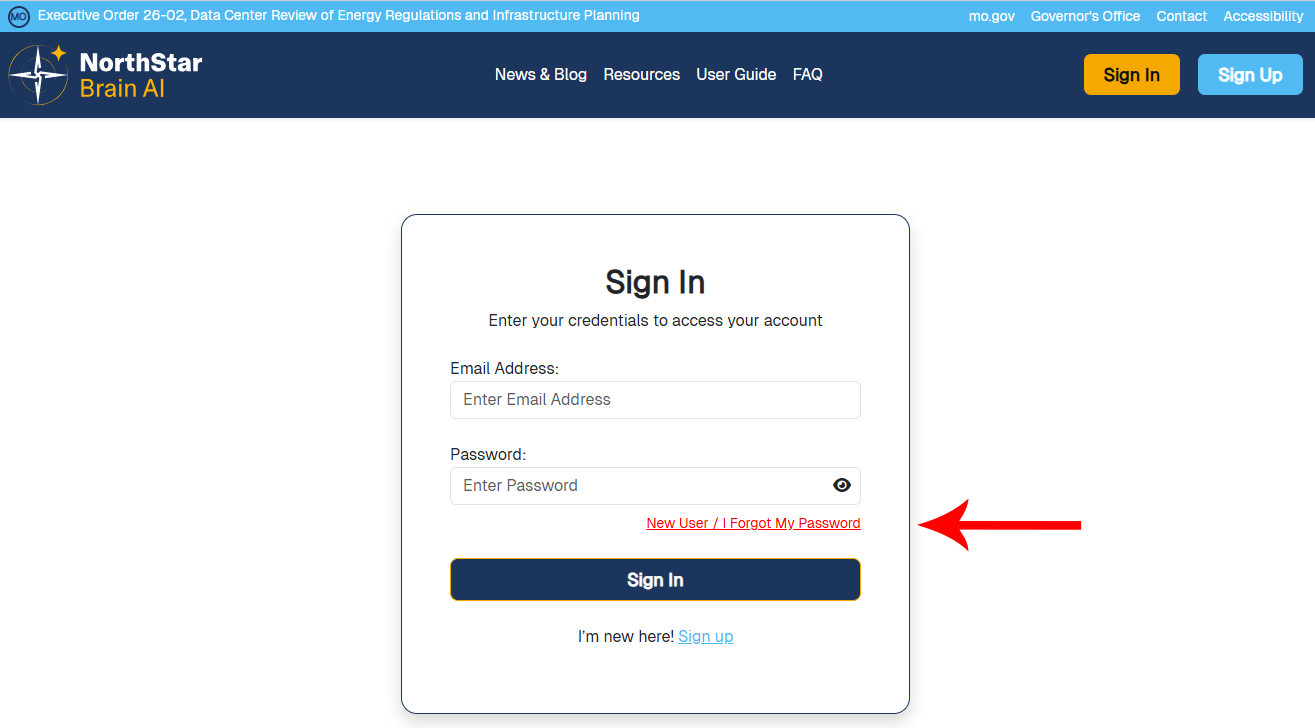
2) On the Sign In form, Click on "New User / I Forgot My Password"
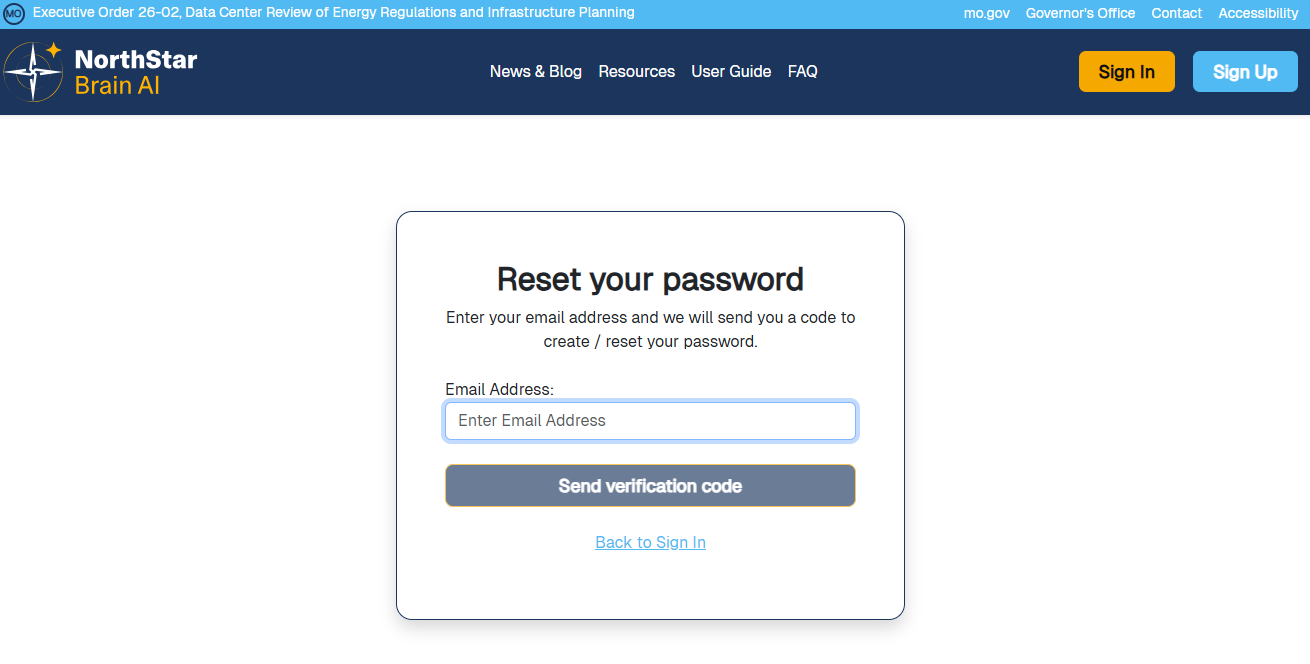
3) Enter your e-Mail address, then Click on "Send verification code". NorthStar AI will send a verification code to the e-Mail address that was used to create your user account. If you do not receive a verification code please check your spam e-Mail folder. Please email us if you do not receive your verification code.
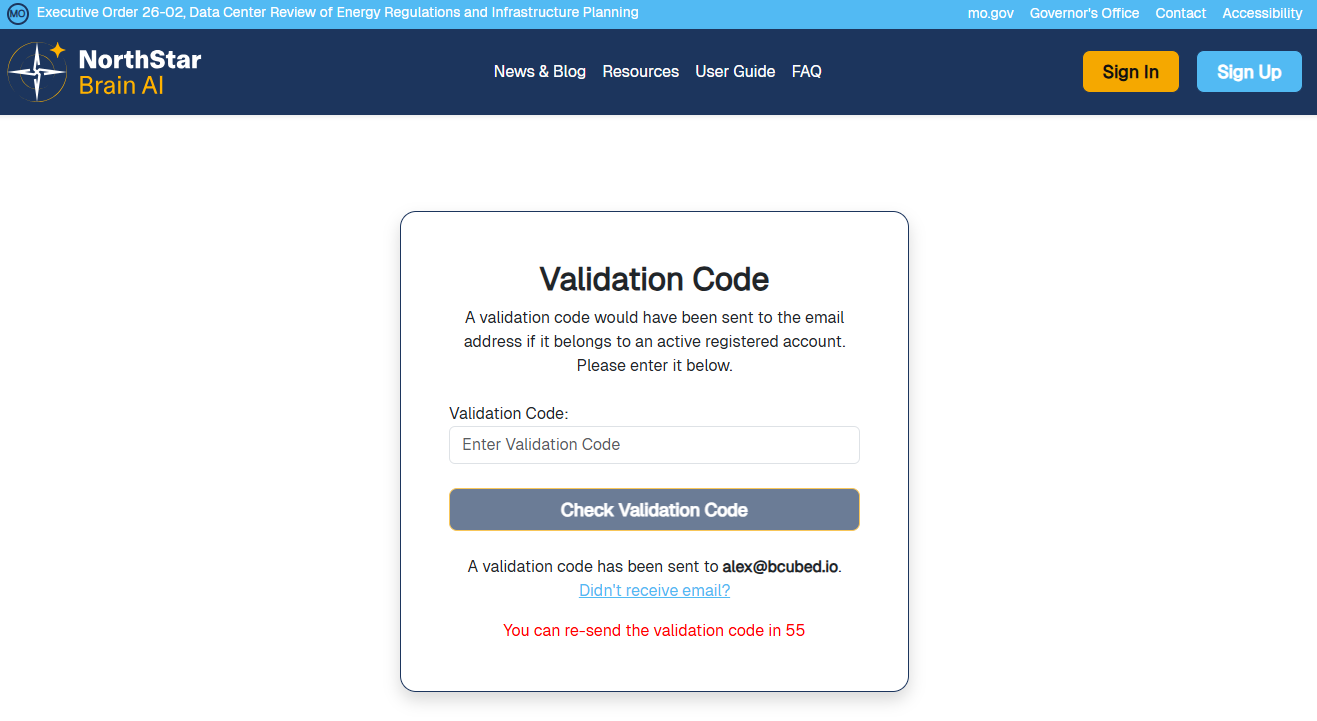
4) Enter the Validation Code in the Validation Code form, then click on "Check Validation Code".
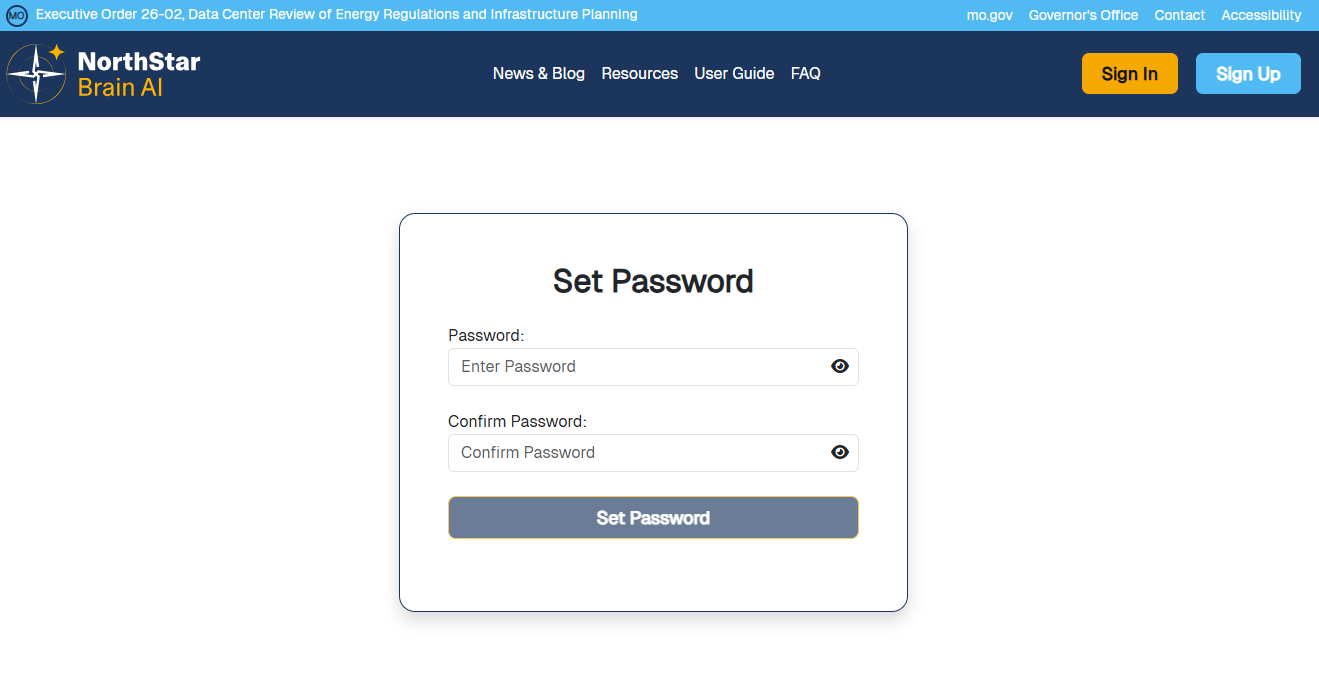
5) Enter your password, confirm your password, then Click on "Set Password".
6) Northstar AI will save your new password and open the NorthStar AI Dashboard.
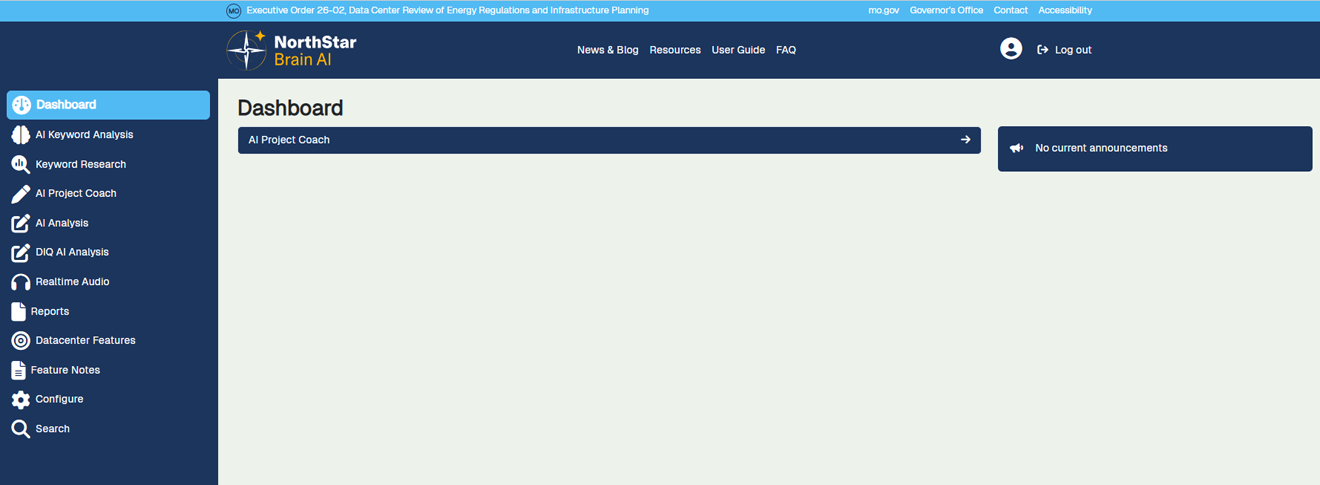
Note: It is quite usual to Log out, and then Sign in again, to continue configuring your account